YIB High Holiday Seats
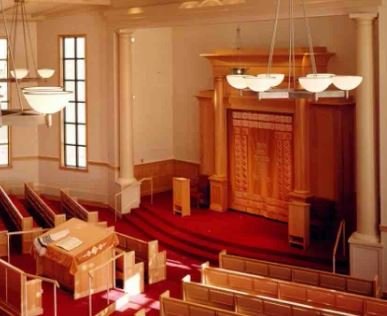
YIB High Holiday Seats
Please choose the number of seats you would like to reserve for the High Holidays.
Scroll down to see the seating chart (updated daily), and for more detailed payment instructions.
Everyone is welcome, and financial constraints should never prevent anyone from joining us for High Holiday services. Reduced-price seating and financial assistance are available—please don’t hesitate to contact seats@yibrookline.org with any questions.
Click here for a seating chart with more information.
Instructions:
Please refer to the seat map above and take note of the seat locations you would like to reserve.
Examples include:
Balcony E35 E46
Social Hall Men F7 F8
Men’s Section H32 H33
Women’s Section 1st Floor B17 B18
Social Hall Women B10 B11
Enter the number of seats you would like to reserve.
Click the ‘Add to Cart’ button.
A form will pop up to:
Enter seat selections.
You can write “Same as last year“ or leave it blank and a seat will be assigned to you.
Indicate if you need babysitting, which is included for all paid seat reservations.
Enter the number of children and their ages. For example: 4 kids, Ages 9,8,5,1
You will be contacted to fill out the High Holiday Babysitting Supplemental Form.
All babysitting reservations and forms must be submitted by Sept 6th.
Use the drop down menu to switch between seat types: Member, Non-Member, Student, Child.
Go to the Cart to review selections, and proceed to checkout.
To pay online, use a Credit Card or Paypal.
To pay by offline by check, enter the coupon code PAYBYCHECK, complete the checkout without any payment, and send a check to the shul office.